


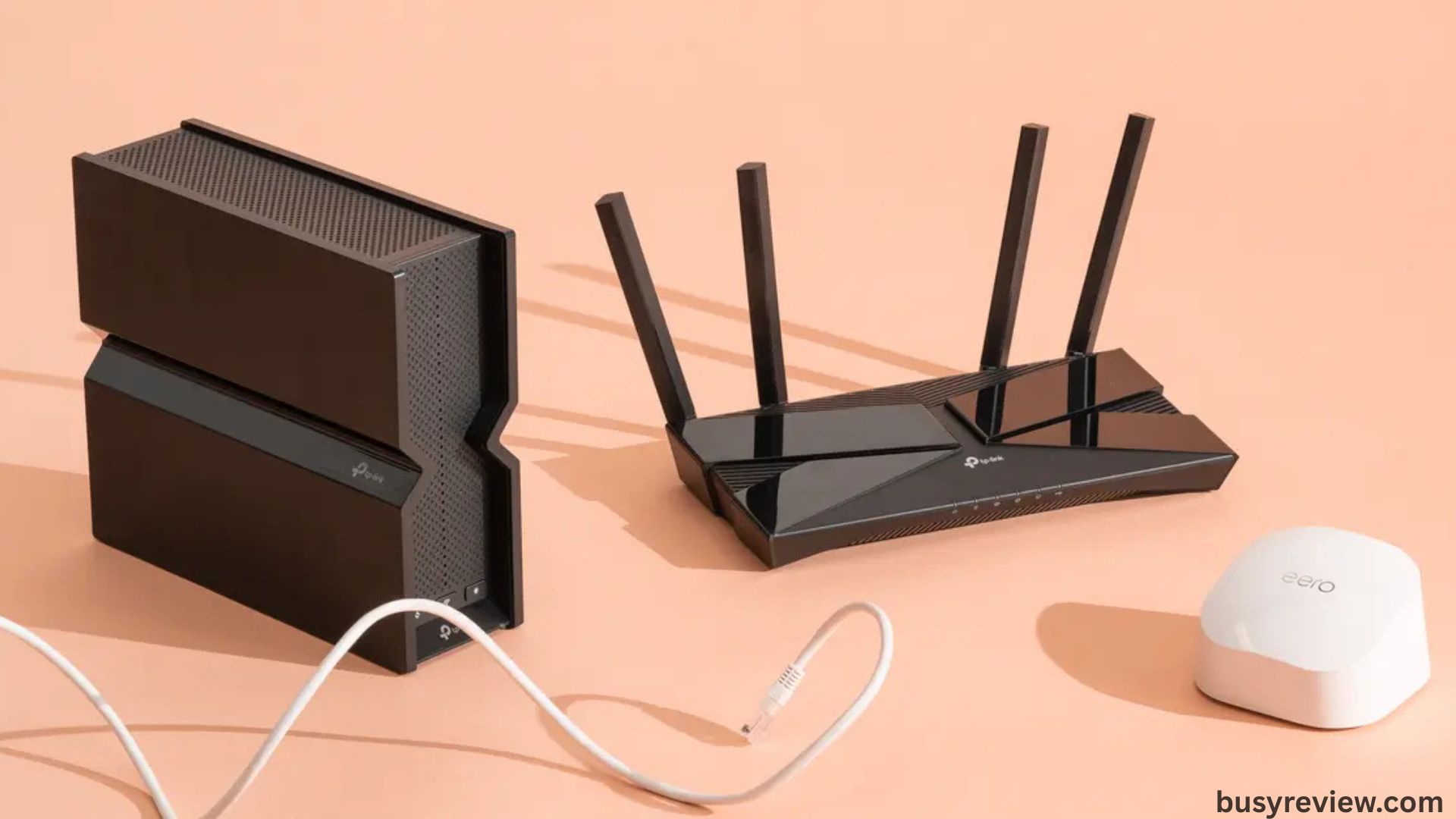
Fast and reliable Wi-Fi router is essential for everything from streaming and gaming to remote work and smart home connectivity. With countless devices relying on stable internet, choosing the right router can make a big difference in speed, performance, and coverage. Whether you’re a casual user or a power user demanding top-tier performance, the latest routers offer advanced features like Wi-Fi 6, dual or tri-band connectivity, and enhanced security.
In this guide, we’ve rounded up the top Wi-Fi routers known for speed, reliability, and value, helping you make an informed decision based on your needs and budget. Say goodbye to buffering and dead zones with one of these high-performance routers built for modern households.
Best Long-Range Wi-Fi Routers
Proximity to your router plays a major role in Wi-Fi performance closer is always better. As distance increases, signal strength drops, leading to slower speeds. Since sitting next to your router isn’t practical, it’s important to choose one with excellent range. Most modern routers are dual-band, offering both 2.4GHz and 5GHz signals, while newer Wi-Fi 6E and 7 models add a 6GHz band.
We tested over 35 top routers by running speed tests every 10 feet through walls, focusing on 5GHz and 6GHz performance. Mesh systems consistently offered better long-range speeds, but several standalone routers also held their own. Keep reading to find the best option for your space.
AmpliFi Alien
AmpliFi Alien stands out as the top-performing long-range Wi-Fi router we’ve tested. Built by Ubiquiti known for commercial-grade networking gear this tri-band Wi-Fi 6 router combines powerful performance with a sleek, user-friendly design. Its standout 4.7-inch touchscreen displays real-time network stats and allows on-device settings control.
In testing, the Alien delivered exceptional range and speed averaging around 650Mbps at 40 to 100 feet outperforming many mesh systems. It’s managed through the intuitive AmpliFi app, offering features like guest networking, HomeKit support, VPN access, and gaming/streaming prioritization.
Eero Pro 6E
For large homes or spaces with tricky layouts, a mesh system like the eero Pro 6E is one of the most reliable ways to extend Wi-Fi coverage. This tri-band Wi-Fi 6E mesh system delivered the best long-range performance in our tests, offering strong, consistent speeds throughout the home even with gigabit internet. Its sleek, minimalist design blends in seamlessly, and you can expand coverage by adding more nodes as needed.
TP-Link Deco X5000
The TP-Link Deco X5000 stands out as the best long-range router we’ve tested in the mid-range price category. This dual-band Wi-Fi 6 mesh system features compact access points that blend easily into your home, making placement simple and unobtrusive. It delivers excellent coverage and performance, reaching speeds up to 800Mbps even in multi-story homes, making it ideal for households with multiple devices streaming or video conferencing at once.
Read More: Ultimate Guide to Fitness Trackers and Watches
TP-Link Archer AX55
Finding a budget-friendly router with strong long-range performance is challenging, as it typically requires more robust hardware. That’s why the TP-Link Archer AX55, while slightly above traditional budget pricing, is a standout pick. This dual-band Wi-Fi 6 router features a compact, conventional design that fits easily into any setup without taking up much space.
What sets it apart is its impressive performance: it can fully utilize internet speeds up to 750Mbps at close range and maintain reliable speeds nearly 100 feet away. It easily supports multiple users, 4K streaming, and high-speed downloads all without breaking the bank.
TP-Link Archer BE550
The TP-Link Archer BE550 is the top-performing router we’ve tested, offering cutting-edge tri-band Wi-Fi 7 with support for 2.4GHz, 5GHz, and blazing-fast 6GHz bands. It’s an excellent choice for homes with newer Wi-Fi 6E or Wi-Fi 7 devices, delivering high speeds ideal for simultaneous 4K streaming, large file downloads, and low-latency gaming.
Equipped with five 2.5Gbps Ethernet ports, it’s perfect for high-bandwidth wired connections like gaming PCs or NAS setups. And if your home has coverage challenges—like thick concrete walls—it supports TP-Link’s EasyMesh, letting you expand coverage with compatible routers or extenders for a seamless whole-home network.
Best Wi-Fi Router
ASUS RT-AX86U Pro
The ASUS RT-AX86U Pro is the best upper mid-range wireless router for home use we’ve tested. While it’s marketed as a Wi-Fi 6 gaming router, its standout speed and range make it a great option for anyone—not just gamers. It can fully utilize internet connections up to ~900Mbps, making large downloads and 4K streaming smooth and fast.
As a standalone router, it offers strong whole-home coverage. And if you need more range, it supports ASUS AiMesh, allowing you to easily create a mesh network with other compatible ASUS routers or extenders.
TP-Link Archer AX55
For most users, the mid-range price category offers the best balance of performance and value—and the TP-Link Archer AX55 is the top performer in this tier. This dual-band Wi-Fi 6 router features a compact, conventional design that fits easily into any space without clutter.
Its standout strength is reliable performance: it can max out internet speeds up to 750Mbps at close range and maintain consistently fast connections up to nearly 100 feet away. That means smooth 4K streaming, quick downloads, and seamless browsing—even with multiple devices online at once.
TP-Link Archer AX20
The TP-Link Archer AX20 is the best budget router for home use we’ve tested. Despite its low price, this Wi-Fi 6 router delivers impressive speed and range. It reaches up to 700Mbps at close range and maintains solid performance up to 100 feet away, making it a strong choice for everyday browsing, 4K streaming, and fast downloads.
For those needing extended coverage, it supports One Mesh, allowing you to create a mesh network with compatible TP-Link range extenders for better whole-home Wi-Fi.
Frequently Asked Questions
What features should I look for in a high-speed, reliable Wi-Fi router?
Look for at least Wi-Fi 6 support, dual- or tri-band capabilities, strong processor and RAM specs, advanced QoS, and mesh compatibility for extended coverage.
Is Wi-Fi 6 or Wi-Fi 7 necessary for a reliable home network?
Wi-Fi 6 is more than enough for most homes, offering better speed, efficiency, and device management. Wi-Fi 7 is ideal for future-proofing and ultra-high-speed connections.
Can a more expensive router really improve internet speed and reliability?
Yes—premium routers often have better range, stronger antennas, faster processors, and support more devices, all of which contribute to more consistent performance.
What’s the difference between a standalone router and a mesh system?
A standalone router broadcasts from a single point, while a mesh system uses multiple nodes to spread coverage more evenly, ideal for larger or multi-story homes.
How far can a reliable Wi-Fi router reach indoors?
Most high-quality routers provide reliable speeds up to 100–150 feet indoors, though walls and interference can reduce this. Mesh systems help overcome these limitations.
Do I need a router with 6GHz (Wi-Fi 6E or 7) for faster speeds?
Only if you have compatible devices. The 6GHz band offers lower interference and faster speeds but has shorter range, making it best for close-proximity, high-bandwidth tasks.
How often should I upgrade my Wi-Fi router for optimal speed and reliability?
Upgrading every 4–5 years is a good rule of thumb to ensure compatibility with the latest standards, security updates, and performance improvements.
Conclusion
Choosing the right Wi-Fi router is essential for maintaining fast, reliable internet across your home. Whether you’re streaming in 4K, gaming online, working remotely, or managing a smart home, the right router can make all the difference. From budget-friendly options like the TP-Link Archer AX20 to high-performance models like the TP-Link Archer BE550 and AmpliFi Alien, there’s a router for every need and price point.